WAV or MP3: Choosing the Right Audio File Format for Your Digitized CDs
Posted by Travis Head
Filed in Entertainment 100 views
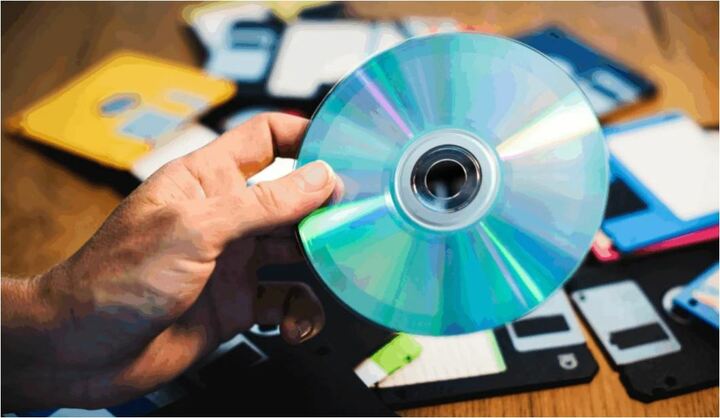
After investing time and money in a professional digitize CDs service, the next decision you face is which file format to use for storing your digitized music. Two formats dominate the conversation: WAV and MP3. Each has strengths, and the right choice depends on how you plan to listen, store, and share your audio in the years ahead.
What Is a WAV File?
WAV stands for Waveform Audio File Format. It is an uncompressed audio format, which means it captures every bit of data from the original recording without throwing anything away. The result is a file that sounds identical to the source CD.
The trade-off is size. A single WAV track from a typical music CD takes up roughly 30 to 50 megabytes. An entire CD digitized to WAV can easily exceed 600 megabytes. For a collection of 100 CDs, you are looking at 60 gigabytes or more.
What Is an MP3 File?
MP3 stands for MPEG Audio Layer III. It is a compressed audio format that uses smart algorithms to remove audio data that your ear is least likely to notice. The result is a much smaller file, often one-tenth the size of an equivalent WAV file.
The trade-off here is data loss. Once audio is compressed to MP3, the discarded data cannot be recovered. For most casual listeners, the difference is hard to hear. For audiophiles, musicians, and professional listeners using high-end equipment, the difference can be noticeable.
MP3 files are the preferred choice for everyday listening, sharing with family, streaming to phones, and storing on devices with limited space.
When to Choose WAV
Choose WAV if you fall into any of these categories:
● You are digitizing music recordings you want to preserve permanently
● You plan to edit, remix, or remaster the audio
● You want the option to convert to other high-quality formats later
● You have plenty of storage space available
● The recordings are irreplaceable, such as unreleased music, demos, or oral histories
When to Choose MP3
Choose MP3 if you fall into any of these categories:
● You want to load the music onto phones, tablets, or portable players
● You plan to share files by email or messaging app
● Your storage space is limited
● The recordings are commercial music you already own physically
● You want the broadest compatibility across all devices and apps
Can You Have Both?
Yes, and many customers do. A professional CD to digital service can provide both formats during the same project. You keep the WAV files as your archival master copies and use the MP3 files for daily listening. If you ever lose the MP3 files or want to convert them to a newer format, the WAV files are still there as the source of truth.
What About Storage?
Once you have your digitized audio, where you store it matters as much as the format. WAV files demand more space, so a cloud service or external hard drive often makes more sense than a USB thumb drive. MP3 files are small enough to live comfortably on most devices, but having a backup copy in the cloud or on a hard drive is still smart.
Scan5 provides free cloud download with every project, so customers can start using their files immediately. For long-term cloud hosting, additional options are available.
Quality vs Practicality
The honest answer is that most listeners will be perfectly happy with high-quality MP3 files. The compression is good enough that the difference is not noticeable on phone speakers, car stereos, or standard headphones. WAV becomes the right choice when the recording itself is irreplaceable or when audio quality is paramount.
For commercial CDs of music you can still buy or stream, MP3 covers your needs. For a one-of-a-kind recording of your grandfather playing piano in 1972, WAV is worth the extra storage space.
Making the Decision Easier
A professional digitize CDs service can advise on the right format for each disc in your collection. Some projects use a mixed approach, with WAV for irreplaceable recordings and MP3 for commercial music. You do not have to pick one format for the entire project.
When in doubt, ask. The whole point of working with a professional CD to digital service is having an expert to help you make decisions like this with confidence.
Conclusion
WAV preserves every detail of your audio at the cost of more storage space. MP3 saves space at the cost of some audio data you may never notice is missing. Both have their place, and the best digitizing projects often use both. The right choice depends on what you plan to do with your music, where you plan to store it, and how irreplaceable the recordings really are.